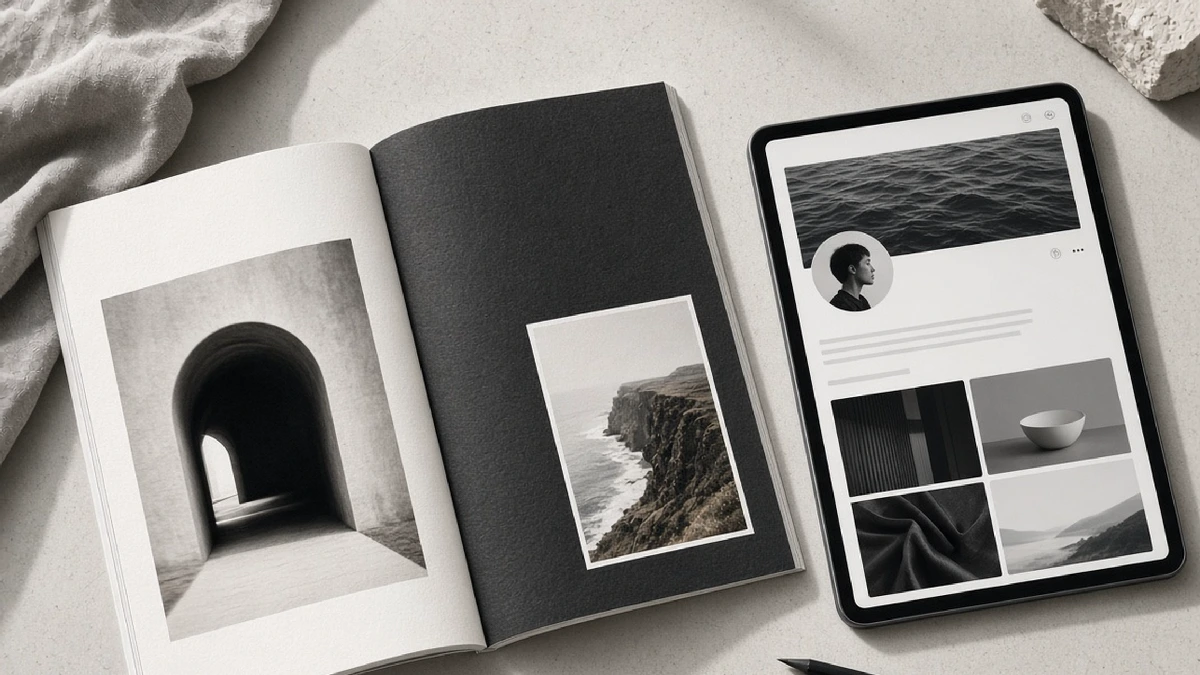
Print folio versus digital profile
Purpose of this comparison
Split Folio sits between a print magazine habit and a web reading habit. The Edgar-inspired home page uses a white text column beside a portrait; article pages add sticky navigation, search, and a Share control. This page compares a print folio spread with a digital profile page so editors can decide what each medium must own.
No ranking of publishers. No traffic claims. Criteria are craft and reader jobs.
At a glance
| Criterion | Print folio | Digital profile |
|---|---|---|
| Primary unit | Spread (left text / right image) | Route (URL with sticky chrome) |
| Portrait role | Full-bleed plate, often with display type | Hero media plus responsive crops |
| Navigation | Masthead, issue TOC | Articles / Gallery / Videos routes, search |
| Share | Tear sheet, social still later | In-page Share, copy link, OS share sheet |
| Revision | Reprint cycle | Draft → review → promote workflow |
| Typography | Fixed point sizes | Fluid type with clamp and reflow |
| Accessibility | Contrast on paper stock | Contrast themes, keyboard, captions |
Layout grammar
Print folio. A classic split treats the left third as quiet type and the right two-thirds as photograph. Oversized surnames can overlap a shoulder because the designer controls exact crop. White space is ink you chose not to use.
Digital profile. The same split can be a homepage hero, but article routes need a reading column, sticky table of contents, and mobile stack. On a 390-wide screen the portrait usually moves above the headline. Display type must scale down without covering eyes. Share becomes a button, not a tear sheet.
Interview carriage
Print wants a through-line that survives a single sitting on a train. Digital wants deep links to gallery notes and video FAQ pages—see portrait light and long-form video FAQ—without turning the profile into a hub of empty cards. Cross-links should earn their place with a concrete next step for the reader.
Production workflow
Print locks when the issue closes. Digital can keep private drafts with proposal digests until an Owner approves promote. That difference matters for acceptance sites: layout can ship while article Markdown waits. Both media still need a named author line (“Words By…”) and a portrait that matches the story’s temperature.
When to prefer which
Prefer print folio thinking when the piece is a single iconic frame plus a short conversation that benefits from paper tactility and fixed sequence.
Prefer digital profile thinking when the piece must connect interview, gallery craft, and video process, remain searchable, support color modes, and expose a Share action without leaving the page.
Many Split Folio stories should be designed once for both: shoot the portrait for a 34/66 crop, write the interview for print breath, then adapt the homepage hero and article chrome for the web. The Lena Voss interview is the template for that dual carriage.
Closing
Print folio and digital profile are not rivals. They are two crops of the same editorial intention: a calm text column, a portrait that can carry type, and a reader who is trusted to finish the thought. Choose tools per job, keep the grammar consistent, and the brand stays legible on paper and on screen.